What's new

Follow new updates and improvements to eDirectory.

v14.2.01

What’s New

  • A redesigned Site Manager sign-in experience
    The login, password recovery, password reset, and login change screens have been completely redesigned. The new experience features a more modern interface, improved contrast, accessible status messages, and form fields that are easier to identify and complete.

  • Community Forum integration with the dashboard
    Community Forum topics and other content now appear in the module status and pending approval widgets. This allows administrators to monitor and moderate their communities directly from the Site Manager dashboard.

What’s Changed

  • Setup Assistant continuity
    If the initial site setup has not been completed, users will be redirected to the Setup Assistant when they log in to Site Manager. If the assistant is closed without selecting Skip, it can be reopened from the shortcut in the dashboard’s First Steps section.

  • Clearer password recovery messages
    When a password recovery email cannot be sent, the message now explains what happened and provides clickable links to contact support.

  • More SEO flexibility during maintenance
    The Maintenance Page now supports search engine verification tags, helping preserve important SEO configurations while the site is under maintenance.

  • Clearer links on detail pages
    Listing website URLs are now displayed as Visit Website in the Contact Information widget. Author website links now open in a new tab and include the noopener attribute.

Minor Fixes

  • Popular category shortcuts in Search Box Type 2 now correctly open the corresponding category search when AI Mode is disabled.

  • Improved the contrast and styling of the shared header on sponsor and profile pages.

  • Improved the styling of the URL confirmation modal in Page Editor.

  • Fixed the Community Forum category page URL in Page Editor.

  • Page Editor background color options are displayed correctly on the same row again.

  • Category dropdowns in cards no longer overflow the screen on mobile devices.

  • Removed an unintended focus border displayed when clicking pricing options.

  • Improved the hover effect for logo image uploads.

  • Map clusters no longer appear over individual pins. Pins at the same location remain grouped, and their InfoWindows now open more reliably.

  • Site names containing special characters or HTML entities are now displayed correctly.

  • Improved compatibility with TikTok videos embedded through oEmbed.

  • Event imports now correctly map ticket purchase URLs.

  • Location imports now work correctly when Region is enabled.

  • Fixed Facebook Login on servers using certain SSL configurations.

  • Improved Facebook Login on iOS when users decline App Tracking Transparency permission.

  • Fixed a redirect error in the ArcaMailer email API.

  • Subscription renewals no longer create duplicate timeline entries.

v14.2.00

What's new

Meet the New AI-Powered Setup Assistant

Launching a new directory is now faster and easier. The new Setup Assistant guides first-time Site Manager users through every essential step, from defining the site’s identity and target market to choosing its visual style and reviewing the final setup with AI.

Based on the information provided, the assistant can automatically:

  • Configure modules and categories

  • Apply colors, fonts, and other design settings

  • Create pricing plans and custom pages

  • Generate sample listings, events, articles, classifieds, and blog posts

  • Build custom listing templates and configure their fields

  • Populate sample listings with custom field values

  • Assign locations to generated content

  • Save selected Unsplash images directly to the site

The result is a more complete, personalized website that is ready to explore, customize, and launch.

A Fresh New Look for the Default Theme

The default theme has been redesigned to deliver a cleaner, more modern, and more consistent experience across the entire website.

The update includes:

  • A refreshed visual system with new design tokens

  • Inter typography for improved readability

  • Redesigned cards, headers, footers, newsletters, and sidebars

  • A restructured default homepage

  • A compact header that remains accessible while scrolling

  • New Tabler Icons across the frontend

Together, these improvements give new websites a polished and professional foundation from day one.

New and Redesigned Page Editor Widgets

Create richer and more engaging pages with new widgets, updated layouts, and additional customization options.

Search Box Type 2

Highlight selected listing categories directly below the search box as popular search suggestions. Categories can be selected in Page Editor using a convenient multi-select field.

The widget also includes editable eyebrow text and subtitle fields.

Browse by Location Type 2

Help visitors discover more destinations with the new “Explore more places” experience.

The widget supports:

  • Grouped or flat location displays

  • A city selection modal when using grouped locations

Testimonial

The redesigned Testimonial widget introduces a more editorial and professional presentation, including:

  • Editable eyebrow, title, and subtitle

  • Modern testimonial cards

  • Decorative quotation marks

  • Carousel navigation and item counter when three or more testimonials are available

More Editable Section Headers

Eyebrow and subtitle fields are now available in additional widgets, giving site owners greater control over page hierarchy, messaging, and visual consistency.

Supported widgets include:

  • Section Header

  • Card widgets

  • Browse by Category variations

  • Browse by Location

  • Events Calendar

  • Upcoming Events

  • Newsletter

  • Download Our Apps

Call to Action

Call to Action widgets now support configurable background colors, making them easier to match with the site’s branding and page design.

More Flexible Listing and Event Cards

Site owners can now choose what information appears on listing and event cards.

Available options include:

  • Summary

  • Location

  • Summary and location

Locations display the two deepest enabled location levels. Event cards can also show the venue and locality in a clear, compact format.

More Customization for the Classic Search Box

The classic Search Box now includes editable eyebrow text, with “Explore” provided as the default value.

Cloudflare Turnstile Support

Cloudflare Turnstile is now available as an additional CAPTCHA provider alongside Gregwar and Google reCAPTCHA v2.

Site Manager also includes provider-specific guidance to make configuration easier.

Powerful New Account Management Tools

Finding and managing accounts in Site Manager is now faster with expanded search, filtering, and sorting options.

Advanced Search

Search accounts by:

  • Email

  • Name

  • Company

  • Phone number

  • Email verification status

  • Stripe ID

  • Last login date

New Filters

Filter accounts by:

  • Verified or unverified email

  • Newsletter subscription

  • Active profile

  • Listing traffic notifications

New Sorting Options

Sort accounts by:

  • Last updated

  • Username

  • Creation date

  • Last login

The account list now also displays each user’s last login date.

Improved Category Management

Site Manager now offers more powerful tools for finding and organizing categories.

Categories can be searched by:

  • Title

  • Status

  • Featured status

  • Image or icon availability

  • SEO completeness

  • Usage

  • Import source or batch

New sorting options include:

  • Alphabetical order

  • Creation date

  • Featured categories first

  • Enabled categories first

  • Disabled categories first

What's changed

  1. Deal cards now use “Expires” instead of “Until” and feature improved styling for original prices.

  2. “Sign in” and “List with us” labels now use consistent capitalization and positioning in the header.

  3. Upcoming Events now uses a native carousel with redesigned cards and navigation controls placed in the section header.

  4. The header’s “More” menu now activates earlier to prevent navigation items from becoming crowded.

  5. When no logo has been uploaded, the site name is displayed as a fallback.

  6. Import error handling and translations have been improved.

Minor fixes

  1. Corrected listing detail tabs that could disappear when widgets contained content.

  2. Improved template-specific field links, template cloning, and fallback behavior when level rows are unavailable.

  3. Fixed Mailchimp subscriptions submitted through the frontend popup.

  4. Fixed event calendar highlighting on iOS when navigating to later months.

  5. Prevented Site Manager JavaScript errors caused by special characters in user names.

  6. Restored the Change Assigned Subscription modal.

  7. Restored missing event venue information on search results pages.

  8. Fixed deal end date data that could break deal details in the mobile app.

  9. Corrected tax percentage calculations in auxiliary subscription amount methods.

  10. Corrected N/A counts and location_2 filters in Site Manager’s geography tools.

  11. Fixed incorrect cropping of blog cover images.

  12. Corrected the alignment of the Campaign Monitor password field.

  13. Prevented hero slider minimum height styles from affecting unrelated areas.

  14. Resolved an SQL error in the listing form when there's no gallery associated with the listing.

  15. Prevented Deals and Classifieds widgets from appearing when no content is available.

  16. Added the missing Turkish JavaScript language file.
v14.1.00

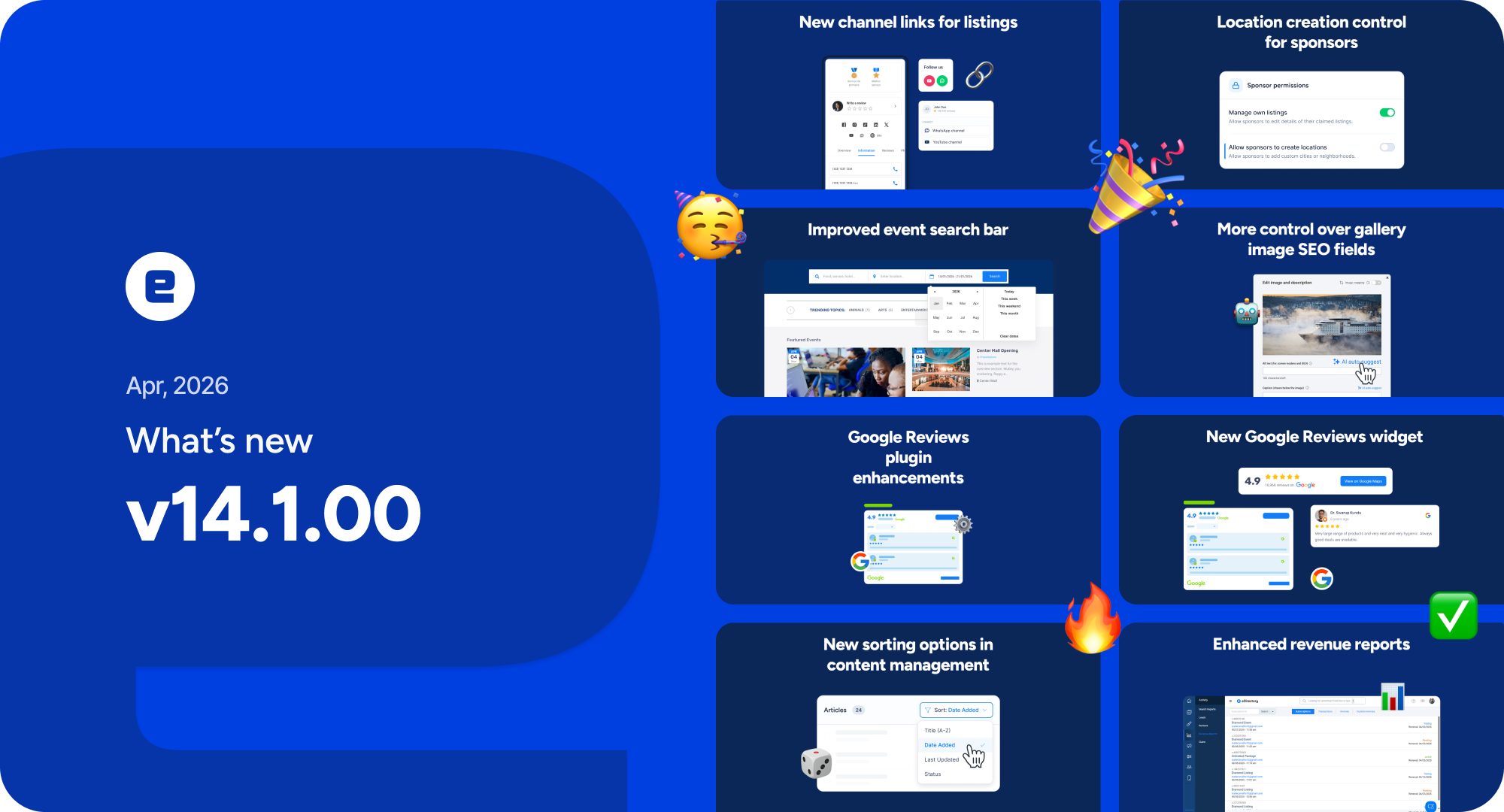
What's new

  1. Google Reviews plugin enhancements: Google Reviews can now be configured by product tier, allowing site owners to offer this feature as a premium differentiator on higher plans.

  2. New Google Reviews widget: A new card-based widget is now available for the Google Reviews plugin, giving site managers more flexibility to choose the layout that best fits their site.

  3. More control over gallery image SEO fields: Site managers can now control the automatic generation of gallery image alt and title tags by product tier.

  4. New “Tickets URL” field for events: Events now include a new Tickets URL field, displayed as a call-to-action button on the detail page.

  5. Improved event search bar: The event search bar now allows users to select a date range, in addition to using quick shortcuts such as This Weekend and This Week.

  6. New channel links for listings: YouTube Channel and WhatsApp Channel links are now available for listing owners and directory owners.

  7. New sorting options in content management: Additional sorting options are now available in the Manage Content sections of the admin area.

  8. Enhanced Revenue Reports: New sorting options are now available in Revenue Reports within the admin area.

  9. Location creation control for sponsors: Site owners can now disable the ability for sponsors to create new location records, helping prevent duplicate entries.

What's changed

  1. Duplicate title prevention: Validation has been added to prevent sponsors from creating items with the same title, reducing duplicate content and helping protect site quality.

  2. Better lead information for deal redeems: Basic user information is now displayed in deal redeem records, improving lead quality.

  3. OpenAI model selector removed: The dropdown for site managers to manually select the OpenAI model has been removed.

  4. Optimized OpenAI model selection: OpenAI models are now automatically selected based on the needs of each feature, improving quality, speed, and token efficiency.

  5. More flexibility in Deals: The following fields in the Deals module are now optional: start date, end date, and number of deals available for redeem.

  6. AI Mode improvements:

    1. Queries such as “best of” and “top” now take average rating into account when ordering results.

    2. End-query matching is now less permissive, improving result quality.

  7. Session validation on content forms: Session validation has been added to sponsor and site manager content creation pages, helping prevent users from losing work if a session expires.

  8. Cache busting for static files: A cache buster has been added to all static files, reducing issues caused by outdated browser-cached assets and improving UI reliability.

  9. Confirmation before removing a knowledge source: Users are now asked to confirm before deleting a knowledge source.

  10. Mobile app email tracking: Emails sent to listings through the mobile app are now tracked as a new statistic.

  11. Longer location field labels: The maximum length for location field labels has been increased to support a wider range of use cases.

  12. Completely removed the Facebook Comments plugin, as it was deprecated by Meta in February 2026.

Minor fixes

  1. Fixed an issue in sitemap.xml generation that prevented URLs for deals and blog categories from being created.

  2. Fixed an issue with the PayPal payment notification webhook that prevented new subscriptions from being activated.

  3. Improved AI Mode cache management to prevent excessive disk usage.

  4. The zip code label in the advertise widgets now follows the label defined by the site owner instead of using a hardcoded value.

  5. Fixed an issue that prevented Events and Classifieds statistics from being tracked when requests came from the mobile app.

  6. Fixed an issue where the Symfony session could be lost after the site manager changed their username on first login.

  7. Fixed a bug that affected the Pricing & Plans with Full Detail Preview widget in some scenarios.

  8. Fixed the “Ad-free” label being displayed incorrectly for articles in advertise widgets.

  9. Fixed the translation of the TikTok feed in advertise widgets.

  10. Fixed an issue where AI settings were not disabled even when the toggle buttons were turned off.

  11. Fixed the template selector in the Pricing & Plans with Full Detail Preview advertise widget when the listing page URL was changed to something other than “listing”.

  12. Fixed the Prices & Plans with Full Detailed Preview widget is not functioning correctly when multiple widgets of the same type are added to the page.

  13. Fixed a bug that prevented gallery image alt and title tags from being saved as empty when intended.

  14. Fixed an issue where main images were not being updated through the import tool.

  15. Updated AI knowledge source screens to refresh the page after a successful request.

  16. Fixed the Members Only display on article and blog detail pages to prevent HTML truncation from breaking the rest of the page.

  17. Fixed responsiveness issues in the video gallery widget.

  18. Fixed the positioning of buttons in the Select File via FTP section of the import tool.

  19. Fixed the display of badges in the summary view.

  20. Fixed the positioning and display of AI Mode search tags.

  21. Fixed site manager permissions when the Community Forum plugin is not installed.

  22. Removed unnecessary newline conversion in long description formatting from the API.

  23. Fixed an error in the Hours of Work widget when the page is loaded in French.

  24. Fixed display of listing reviews when the plugin Advanced reviews for listings is enabled.

  25. Added scroll to the site manager site selection dropdown.

  26. Fixed an issue where the listing logo was cut off in the email submission and review addition pop-ups.

Earlier updates